The clock is at forty-eight hours before a product launch. The engineering team has pushed the final build, the landing page is staged, and the ad accounts are ready to go live. Then, the creative lead notices a problem: the primary hero shot—a high-fidelity render of the product in a lifestyle setting—has a distracting reflection on the screen that looks like a technical glitch. In a traditional workflow, this triggers an emergency ticket. A retouching artist spends three hours masking, cloning, and healing, while the marketing lead paces, knowing that every hour of delay shifts the campaign’s momentum.
This “last mile” of production is where most launch cycles lose their velocity. While generative AI has captured the imagination for its ability to create images from nothing, the actual utility for product teams often lies in the clinical, tactical manipulation of existing assets. The transition from broad conceptualization to production-ready delivery requires a different set of tools—not just generators, but sophisticated editors that prioritize control over creative randomness.
The Friction of the ‘Last Mile’ in Asset Production
For product teams, the bottleneck isn’t usually a lack of ideas; it’s the manual labor required to make those ideas fit specific technical requirements. A text-to-image prompt might give you a beautiful concept, but it rarely gives you a file that matches your brand’s exact color palette, maintains the structural integrity of your physical product, or fits the five different aspect ratios required by social platforms.
Standard retouching tasks—object removal, background replacement, and resolution upscaling—have historically been manual. They require a specific skill set in software like Photoshop, which creates a queue. If your lead designer is busy with the website layout, the minor “cleanup” of a social media asset sits in a backlog. This queue is the primary killer of marketing velocity.
Furthermore, generative tools often struggle with the “uncanny valley” of product accuracy. If you ask a standard AI to “put this bottle on a marble countertop,” it might hallucinate the bottle’s label or change its shape slightly. For a launch, this is unacceptable. You need the original product asset, but you need the environment around it to be malleable.
Shortcircuiting the Review Loop with an AI Image Editor
The traditional feedback loop is a series of “wait and see.” A stakeholder requests a change, a designer implements it, and a new version is uploaded for review. This can happen six or seven times for a single high-value asset. By integrating an AI Image Editor into the workflow, this loop is shortened from days to minutes.
Instead of sending an email requesting a background change to better suit a seasonal promotion, a product manager or a junior marketer can use tactical AI tools to perform the swap themselves. This isn’t about replacing the designer; it’s about freeing the designer from the “commodity work” of background removal or basic object erasure.
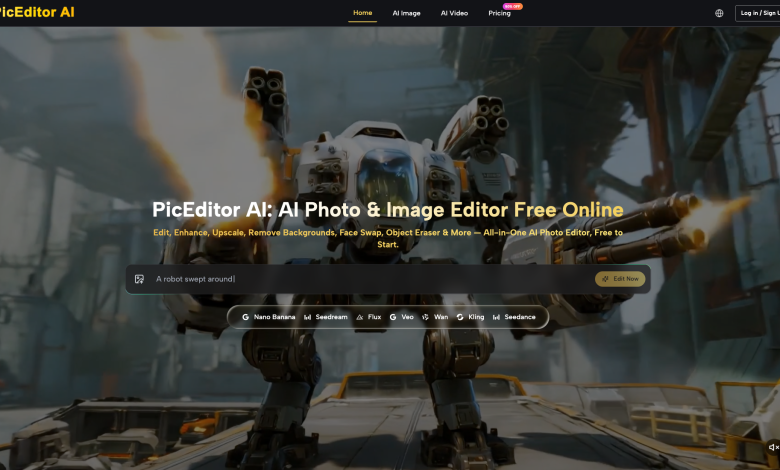
In a live session, a team can look at a product shot and realize the lighting feels too cold for the target demographic. Rather than a total reshoot or a complex manual color grading session, tools like PicEditor AI allow for immediate background removal and environmental relighting. The focus shifts from “approving the next draft” to “refining the live version” in real-time. This immediacy changes the psychology of the creative process, encouraging more experimentation because the cost of a “mistake” or a “revision” has dropped toward zero.
Surgical Precision vs. Generative Chaos
There is a fundamental difference between “vibes-based” AI generation and operator-led editing. Most AI platforms are great at the former—generating a “cool image of a futuristic city.” But product launches require surgical precision. You need to know that the logo on the product will remain untouched while the person holding it is replaced, or the coffee shop background is swapped for a home office.
Inpainting and Object Erasure
This is where the distinction becomes clear. An operator-led approach uses inpainting to target specific pixels. If a stray wire is visible in a lifestyle shot, an AI Photo Editor can remove it by analyzing the surrounding textures and lighting, filling the gap seamlessly. Unlike older content-aware fill tools, these editors understand the “context” of the scene—they know that if they are filling a gap in a wooden table, the grain should follow a certain direction.
Maintaining Product Identity
One of the hardest things for AI to do is respect “brand guardrails.” Most generative models want to reinvent the subject with every prompt. Practical AI Image Editor workflows solve this by using the original product photo as a “locked” layer. You use AI to manipulate everything around the product—the shadows it casts, the reflections on the floor, and the depth of field in the background—while ensuring the product itself remains a photograph of the actual hardware or software.
Scaling Variants Without Increasing Creative Headcount
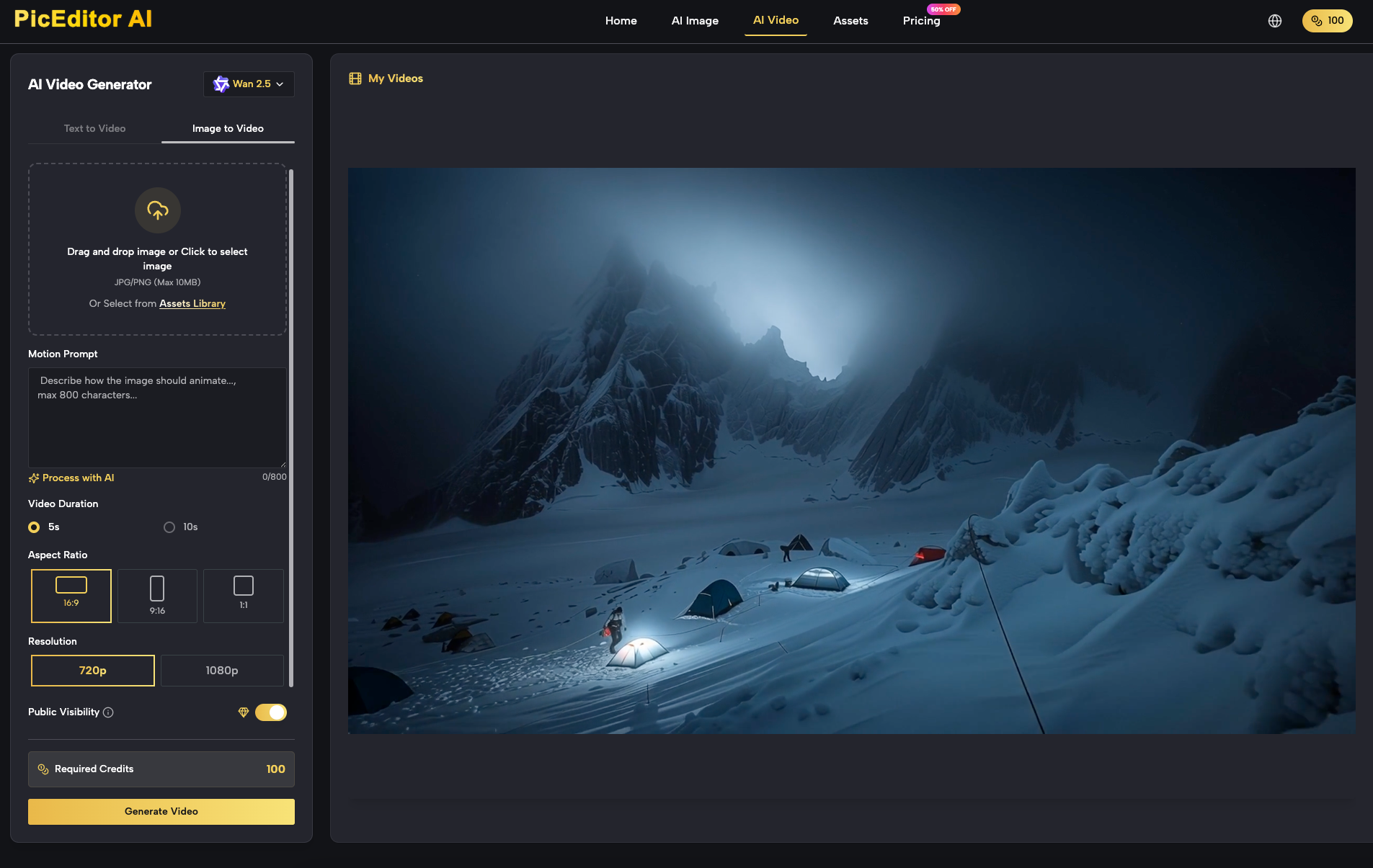
A modern launch doesn’t require one hero image; it requires a hundred. You need 9:16 for TikTok, 1:1 for Instagram, 16:9 for YouTube, and various banner sizes for programmatic display ads. In the past, scaling these variants meant “crop and pray” or hours of manual extending of backgrounds (outpainting).
A systems-minded approach to production uses an AI Photo Editor to automate these tedious aspects of variant creation. If you have a portrait-oriented shot that needs to work as a wide-screen hero banner, AI outpainting can logically extend the environment—adding more of the office wall or the outdoor landscape—without distorting the central subject.
This scalability is what allows smaller teams to compete with massive agencies. You can generate localized variants for different geographic markets—changing the background of an ad to look like a street in Tokyo for one campaign and a street in London for another—without a massive increase in budget or headcount. It prevents designer burnout by removing the most repetitive tasks from their plate, allowing them to focus on the high-level art direction.
Where the Workflow Breaks: Limitations and Risk Mitigation
While the efficiency gains are significant, it is critical to acknowledge where current AI editing technology hits a wall. Relying solely on AI without human oversight is a recipe for brand damage.
Typography and Brand Colors
AI currently has a high failure rate with precise typography. If your product asset includes text on a screen or a specific font on a package, the AI will frequently “hallucinate” minor changes to character shapes or kerning. Similarly, maintaining exact brand hex codes across an AI-generated background is difficult. The tool might produce a “blue” that looks right to the eye but fails a brand audit because it’s four shades off the official palette.
Complex Textures and Physics
We must also note the persistent difficulty AI has with complex light interactions. For example, if you are editing a photo of a glass bottle or a liquid, the way the AI calculates reflections and refractions is often physically impossible. A perfume bottle might look perfect, but the reflection of the “new” background in the glass might be skewed or missing entirely. These are moments where “physical accuracy” remains a human-led requirement. Until models can more accurately simulate light-matter interaction, high-end luxury products will still require a significant amount of manual “cleanup” after the AI has done the initial heavy lifting.
Quantifying the Shift in Production Velocity
The goal of integrating tools like PicEditor AI isn’t just to save a few dollars on a freelance contract. It’s to change the “bottom line” of how quickly a product can respond to the market. When you measure success, the metric shouldn’t just be the cost of the tool; it should be the decrease in turnaround time.
A task that once took four hours (manual masking and background replacement) now takes four minutes. Over a hundred assets, that is a saving of nearly 400 hours of production time. For a product team, those hours are better spent on strategy, user research, or perfecting the product itself.
As these tools become a permanent fixture in the creative stack, we are seeing a transition from static launch packages to “living” visual systems. Assets are no longer finalized and “locked.” Instead, they are iterative. If a specific ad variant is performing well, you can immediately use an AI Image Editor to generate ten more versions of it with slight environmental tweaks. This level of responsiveness was previously impossible for all but the largest marketing departments. By focusing on the “last mile” of editing rather than just the “first mile” of generation, product teams can ensure their launch visuals are not just fast, but precise and effective.